A fully managed Veeam cloud backup software solution that protects you against normal data loss and downtime
A fully managed Veeam disaster recovery solution that protects you during times of disaster
Specialised to restore SaaS data in case of service outage, cyber attack or data deletion
Enables server backups every 15 minutes or less for painless recovery, even for bare metal
Advanced endpoint protection and recovery for laptops and desktops no matter where they are physically located
A powerful fully managed solution that makes data backup and recovery simple and fast for small businesses
Ultra secure data backup and recovery provides the advanced security and compliance that sensitive data requires

If you want the best of Veeam you’ve come to the right place. Because after years of being a trusted Veeam partner we’ve developed two Veeam-powered managed services: Backup-as-a-Service (BaaS) and Disaster-Recovery-as-a-Service (DRaaS), both supported by credentialled Veeam experts who take the complexity out of data protection and disaster recovery.
When you need support, you’ll be connected with a live recovery expert every time.
No more consultants, multiple vendors, and managers. We’re the single source for all your backup, DR and recovery needs.
Today your data is your most valuable asset. We make sure you keep it.
We don’t just say we can recover your data, we demonstrate it daily.
We call them the Rapid Recovery Force because they have one job and one mission — to keep you up and in business no matter what the data breach.



Your most valuable asset used to be your most vulnerable. Not anymore. We lock your data safe inside the most impregnable, geo-separate system for backup, anywhere. See how we harden your defences and rapidly recover your data and apps when needed to get back to business fast:
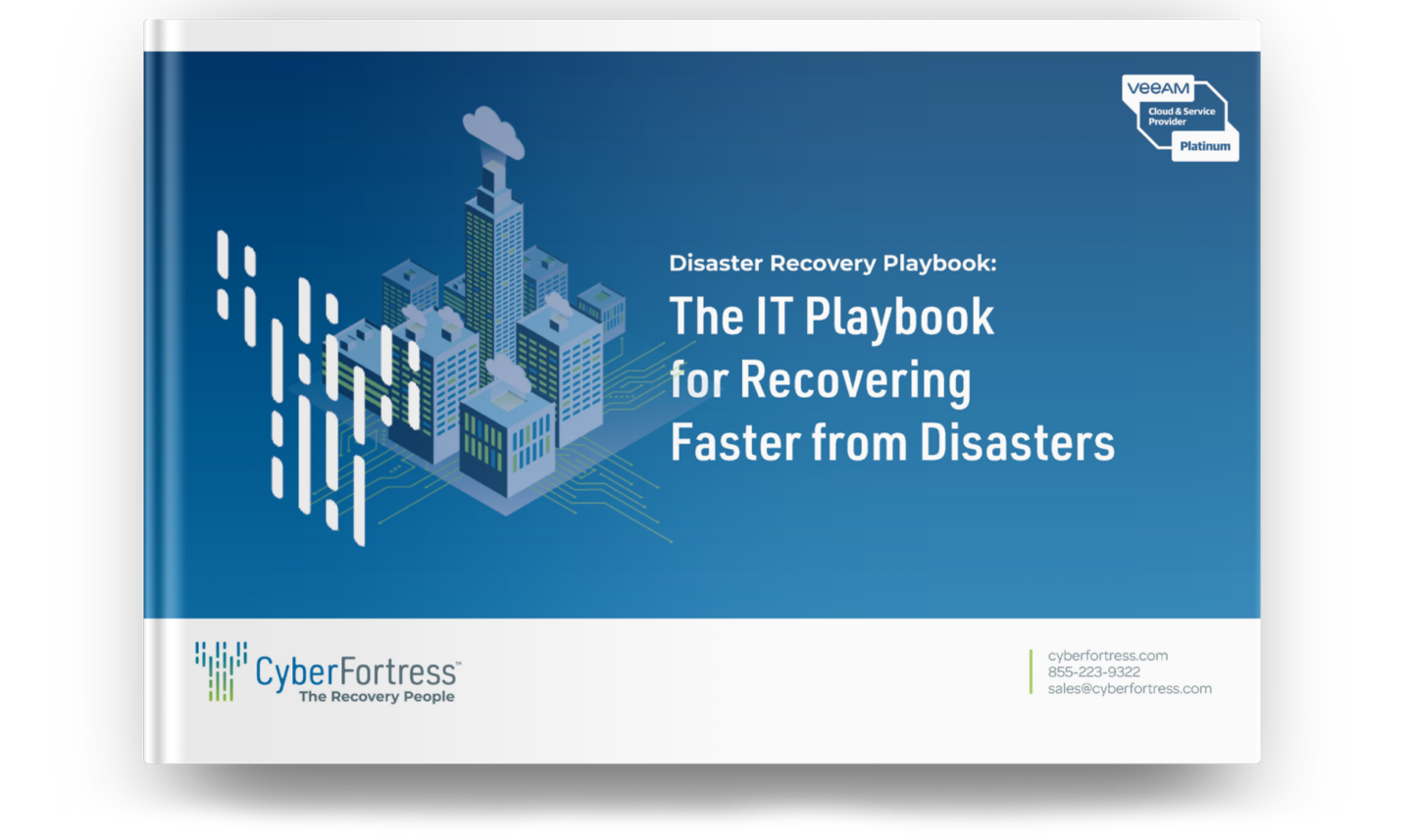
Go deep with white papers on CyberFortress products, solutions and thought leadership
Hear from CyberFortress experts and guests about the latest issues in backup, DR and recovery
Read the latest insights from CyberFortress experts
Learn how companies like yours have enabled rapid recovery from data loss and disaster
Go deep with white papers on CyberFortress products, solutions and thought leadership
Read the latest articles from CyberFortress experts
Type and hit ‘Enter’ to search.
| Cookie | Duration | Description |
|---|---|---|
| cookielawinfo-checkbox-analytics | 11 months | This cookie is set by GDPR Cookie Consent plugin. The cookie is used to store the user consent for the cookies in the category "Analytics". |
| cookielawinfo-checkbox-functional | 11 months | The cookie is set by GDPR cookie consent to record the user consent for the cookies in the category "Functional". |
| cookielawinfo-checkbox-necessary | 11 months | This cookie is set by GDPR Cookie Consent plugin. The cookies is used to store the user consent for the cookies in the category "Necessary". |
| cookielawinfo-checkbox-others | 11 months | This cookie is set by GDPR Cookie Consent plugin. The cookie is used to store the user consent for the cookies in the category "Other. |
| cookielawinfo-checkbox-performance | 11 months | This cookie is set by GDPR Cookie Consent plugin. The cookie is used to store the user consent for the cookies in the category "Performance". |
| viewed_cookie_policy | 11 months | The cookie is set by the GDPR Cookie Consent plugin and is used to store whether or not user has consented to the use of cookies. It does not store any personal data. |